KRK
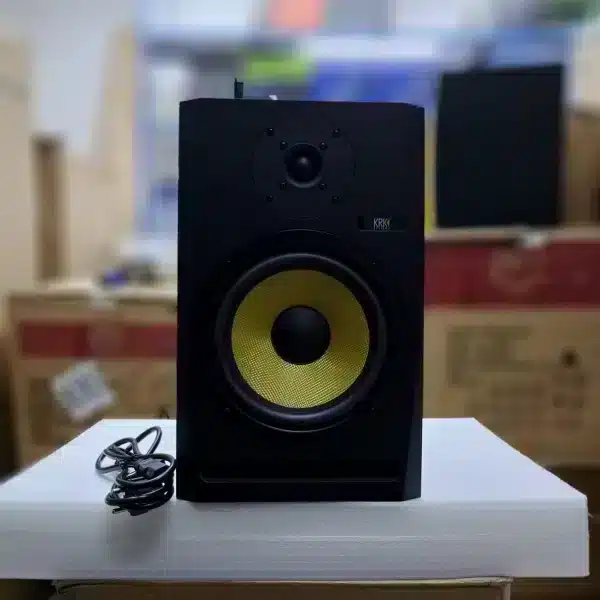
KRK Rokit M8 Studio Monitor
Description
The KRK Rokit M8 is a studio monitor designed for accurate sound reproduction. It’s the sort of speaker that producers and engineers reach for when they need to hear their mix without coloration, whether that’s in a Nairobi home studio or a professional setup.
Specifications
- Brand: KRK
- Model: M8
- Type: Studio
What to pair with the KRK Rokit M8 Studio Monitor
To use the Rokit M8, you will need an audio interface, such as a Focusrite Scarlett 18i20, to send the audio signal to the monitor. You'll also need appropriate cables, typically XLR or TRS, to connect the interface to the speaker. A mic stand or monitor stands can help position the speakers for optimal listening, and acoustic treatment in your room will ensure you hear the monitor's true performance.
Getting it running
Connect your audio interface to your computer via USB. Then, run an XLR or TRS cable from the output of your audio interface to the input on the rear of the KRK Rokit M8. Ensure the monitor is powered on. The Rokit M8 is a studio monitor, meant to sit on a desk or stand, pointing towards your listening position.