KRK
KRK Rokit 8 G3 Studio Monitors
Description
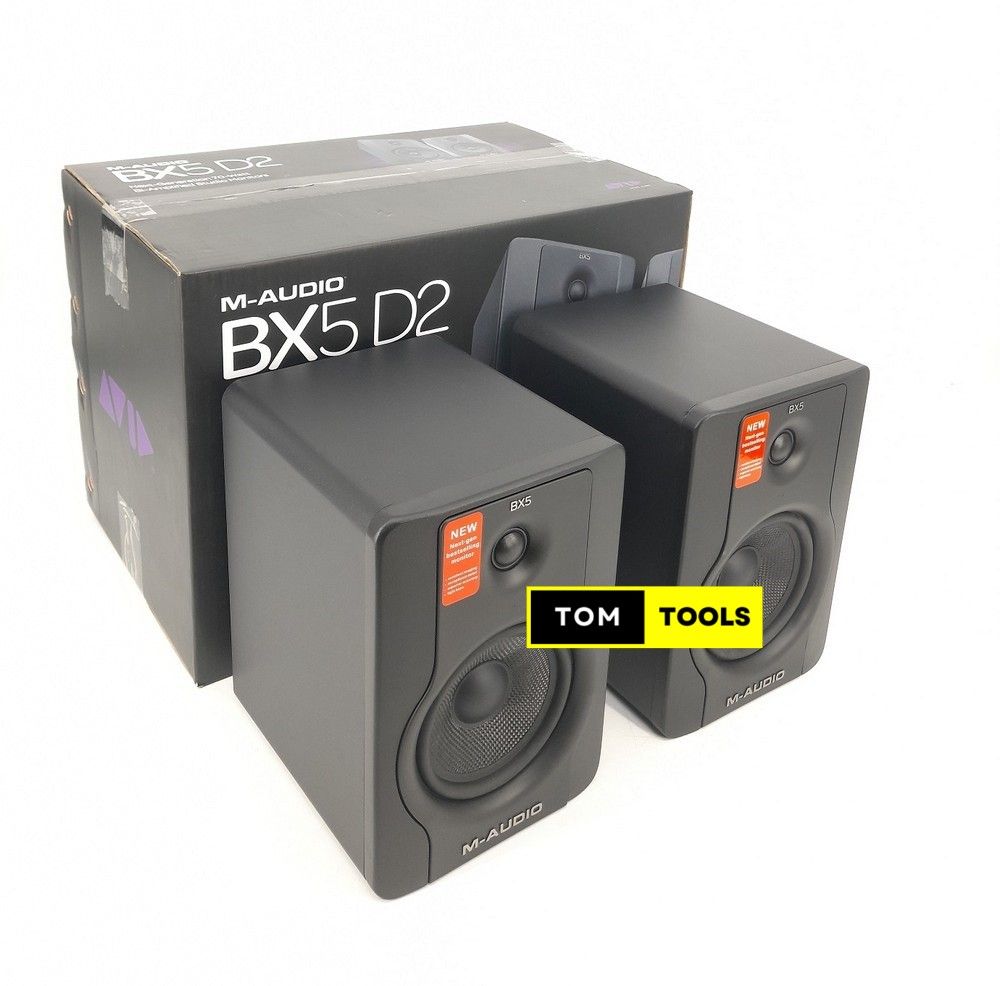
The KRK Rokit 8 G3 studio monitors are used by musicians and producers in Nairobi home studios for accurate sound reproduction. They are a type of studio monitor designed for critical listening during mixing and mastering.
Specifications
- Brand: KRK
- Model: G3
- Type: Studio
What a Studio needs around it
To get sound to the Rokit 8 G3, you will need an audio interface. This connects to your computer and provides the output to the monitors. You will also need a pair of balanced XLR cables to run from the audio interface to the monitors themselves. A mic stand might be useful to position the monitors at the correct listening height in your studio space.
First setup
Connect your audio interface to your computer via USB. Then, run balanced XLR cables from the main outputs of your audio interface to the inputs on the KRK Rokit 8 G3 monitors. Plug the monitors into a power source, and ensure they are switched on. You can then set the input level on the rear of each monitor to suit your output signal from the interface.